
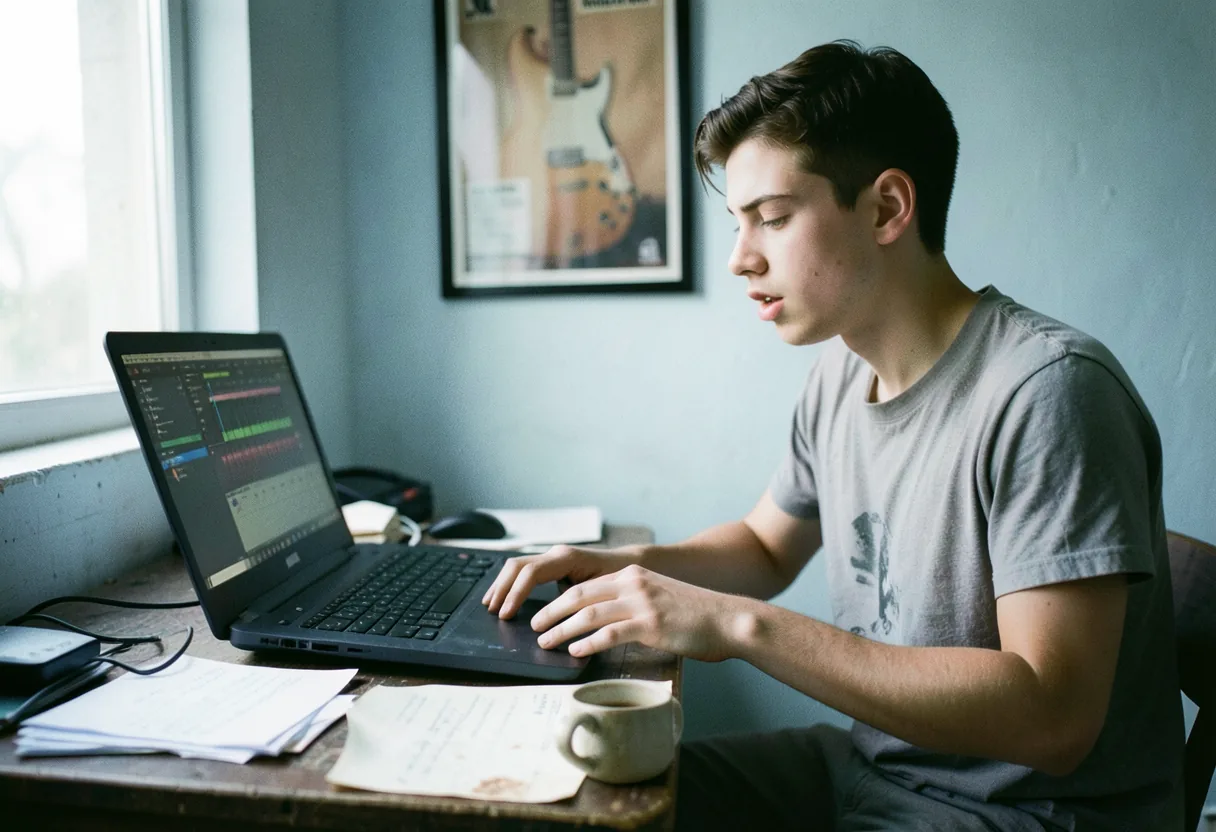
GarageBand is a top choice for Mac beginners, offering intuitive tools for music creation. On PC, BandLab provides a free, user-friendly interface with cloud storage. Both platforms support MIDI and virtual instruments, making them ideal for newcomers.
The best DAWs for beginners on Mac and PC are user-friendly digital audio workstations that simplify music production for newcomers.
Think of a DAW like a digital recording studio in a box, it’s where you’ll write, record, edit, and mix your music, much like a painter’s canvas and palette.
Key facts
- DAWs (Digital Audio Workstations) are essential software for recording and producing music.
- Beginner-friendly DAWs focus on ease of use, tutorials, and streamlined workflows.
- Mac and PC compatibility ensures you can use the software regardless of your operating system.
- Many beginner DAWs offer free trials or lower-cost entry points.
01Top DAWs for Beginners on Mac and PC
When starting out in music production, choosing the right DAW is crucial. Below are some of the best options for beginners, along with their pros and cons.
02GarageBand: Best for Mac Users Starting Out
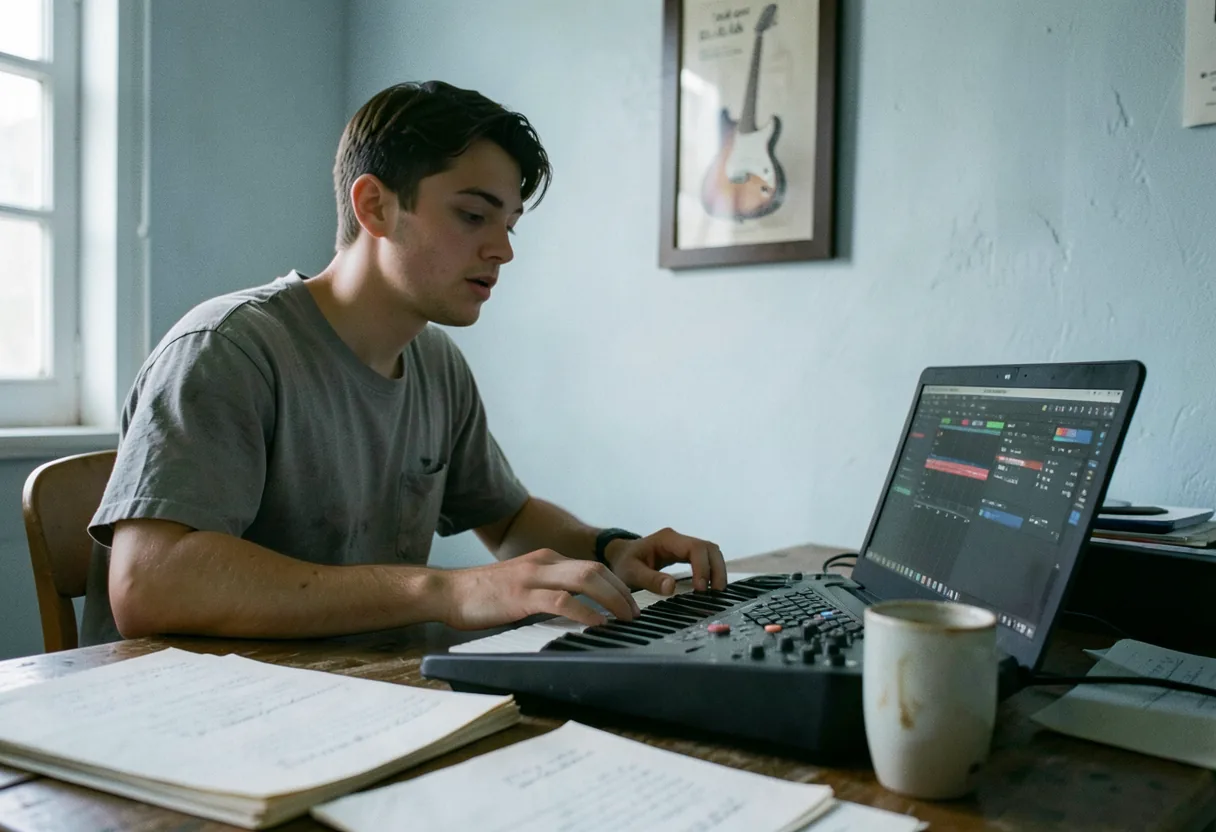
If you’re a Mac user, GarageBand is the best DAW for beginners. It’s free, comes pre-installed on most Macs, and offers a surprisingly robust set of features for beginners. The first time I really looked at GarageBand, I was impressed by how intuitive it was, perfect for those just dipping their toes into music production.
However, GarageBand is Mac-only, so PC users will need to look elsewhere. Additionally, while it’s great for basic recording and editing, it lacks some advanced features found in other DAWs.
03Ableton Live Intro: Best for Live Performance and Electronic Music
Ableton Live Intro is a fantastic choice for beginners interested in electronic music or live performance. Its unique Session View makes it easy to experiment with ideas on the fly. The learning curve is gentle, and there are plenty of tutorials available to help you get started.
The downside is that Ableton Live Intro is a stripped-down version of the full software, so you’ll miss out on some advanced features unless you upgrade.
04FL Studio Fruity Edition: Best for Beat Making
FL Studio Fruity Edition is a popular choice among beginners, especially those interested in beat making and hip-hop production. Its pattern-based sequencer makes it easy to create loops and beats quickly. The software is also known for its user-friendly interface and extensive library of sounds.
One drawback is that FL Studio Fruity Edition has limited audio recording capabilities compared to other DAWs. If you plan to record a lot of live instruments, you might need to upgrade to a higher edition.
05Reaper: Best for Customization and Affordability
Reaper is a highly customizable DAW that’s perfect for beginners who want a full-featured software without breaking the bank. It offers a discounted license for individuals, making it one of the most affordable options. Reaper’s interface might look a bit dated, but it’s incredibly powerful once you get the hang of it.
The learning curve can be steep for absolute beginners, but the extensive documentation and community support make it easier to navigate.
06PreSonus Studio One 5 Artist: Best for Songwriters and Producers
PreSonus Studio One 5 Artist is a great all-around DAW for beginners. Its simple interface makes it easy to start recording and mixing right away. The software also includes powerful mixing tools and integrated mastering, which is a huge plus for beginners who want to polish their tracks.
One downside is that some advanced features are locked behind higher-tier versions of the software, but the Artist edition still offers a lot for the price.
07How to Choose the Best DAW for Beginners
Choosing the best DAW for beginners depends on your specific needs and preferences. Here are some key criteria to consider:
- Platform Compatibility: Ensure the DAW works on your operating system (Mac or PC).
- Ease of Use: Look for a DAW with a user-friendly interface and plenty of tutorials.
- Features: Consider what you need, basic recording, beat making, live performance, etc.
- Price: Many beginner DAWs offer free trials or lower-cost entry points.
- Community Support: A active user community can be invaluable for learning and troubleshooting.
08Where to Buy Music Gear and Instruments
If you’re just starting out, you’ll need more than just a DAW. Investing in quality gear can make a big difference in your recording experience. Here are some of the best places to buy music gear and instruments:
- Sweetwater Music Store: Known for their excellent customer service and wide selection of musical instruments and gear. Check out their audio interfaces for home recording.
- Guitar Center: A popular choice for musicians, offering a vast range of instruments and equipment.
- Amazon: Convenient for quick purchases, with a wide variety of options and competitive prices.
- Reverb: Great for finding used musical instruments and gear at affordable prices.
For more tips on setting up your home studio, check out our guides on how to mic an acoustic guitar and the best microphones for recording vocals at home.
09The Best DAWs for Beginners on Mac and PC
When it comes to finding the best DAWs for beginners on Mac and PC, the options are plentiful. Whether you’re looking for a free option like GarageBand or a more advanced tool like Ableton Live Intro, there’s something for everyone. Remember to consider your specific needs, such as ease of use, features, and price, to make the best choice for your music production journey.
Start exploring these DAWs today and take the first step towards creating your own music!
10Frequently asked questions
Which DAW offers the most beginner-friendly interface?
Ableton Live's Session View is intuitive for beginners. It lets you drag and drop samples, loops, and effects without needing to understand complex tracking or mixing first. The built-in tutorials guide you through basic music-making concepts, making it easier to start creating immediately.
Is FL Studio a good choice for beginners on Windows?
FL Studio's pattern-based workflow is straightforward. The free lifetime updates mean you won't have to pay for new versions. Its piano roll editor is highly praised for its ease of use, making it a solid choice for beginners focusing on electronic music production.
What makes GarageBand a good starting point for Mac users?
GarageBand comes pre-installed on Macs and includes a wide range of built-in instruments and loops. It's designed to be simple, with a drag-and-drop interface. Once you outgrow it, you can easily transition to Logic Pro, which shares many of the same features and workflows.
Are there any free DAWs suitable for beginners?
Cakewalk by BandLab is a full-featured DAW that's completely free. It offers multi-track recording, MIDI editing, and a variety of virtual instruments. While it's Windows-only, it provides a professional-grade toolset that's perfect for beginners who want to explore music production without any cost.