
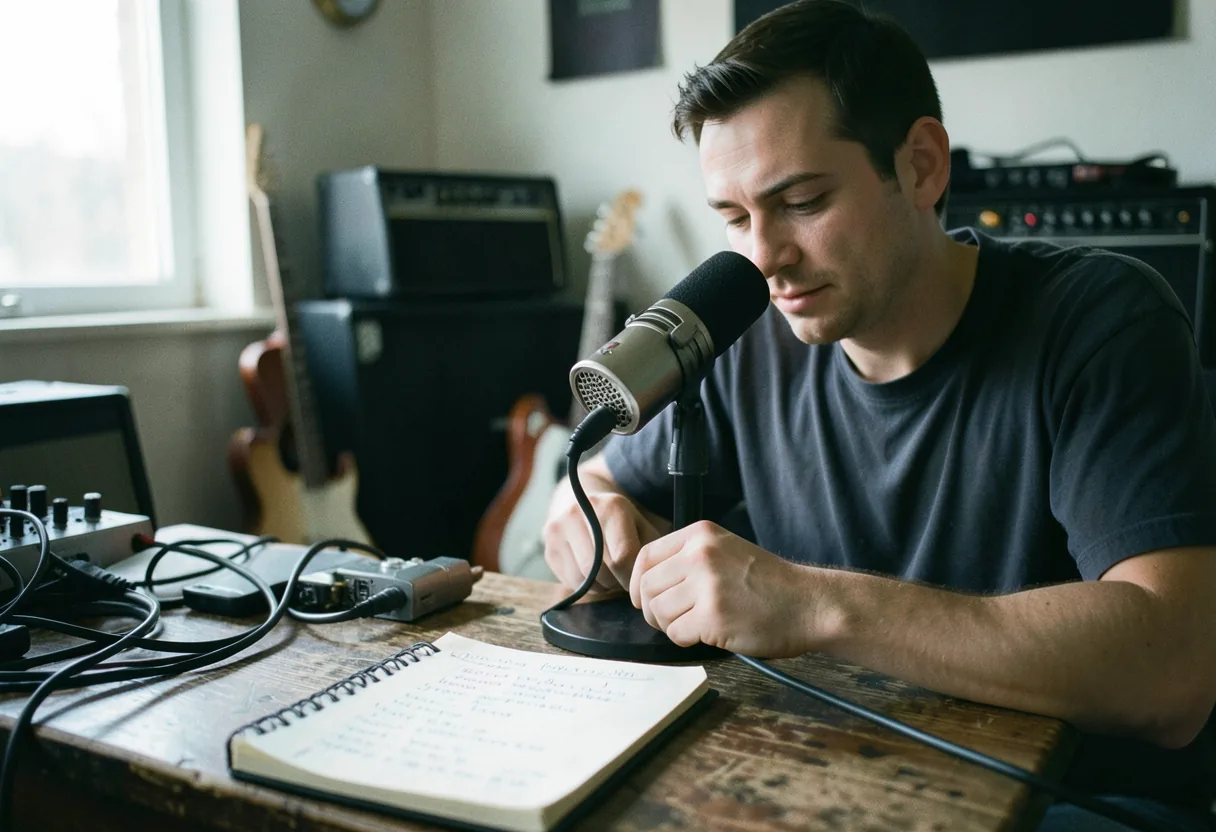
USB microphones offer plug-and-play convenience for beginners, like the Blue Yeti with four polar patterns, while XLR mics provide superior audio quality through balanced signals, such as the Shure SM7B needing cloudlifters for optimal performance.
USB vs XLR microphones for podcasting is a choice between two distinct paths to capturing your voice with clarity and control.
Think of USB microphones as ready-to-eat meals and XLR microphones as ingredients for a chef: USB mics plug directly into your computer for instant use, while XLR mics require an audio interface but offer far more flexibility and power.
Key facts
- USB microphones are plug-and-play, connecting directly to your computer’s USB port, while XLR microphones require an audio interface for use.
- XLR microphones typically offer better sound quality and more control over audio signals due to balanced connections and phantom power capabilities.
- USB microphones are generally more portable and beginner-friendly, making them ideal for podcasting on the go or in simple setups.
- XLR microphones are favored by professionals for their versatility in studio and live settings, accommodating various microphones and instruments.
01USB vs XLR Microphones for Podcasting: Core Differences
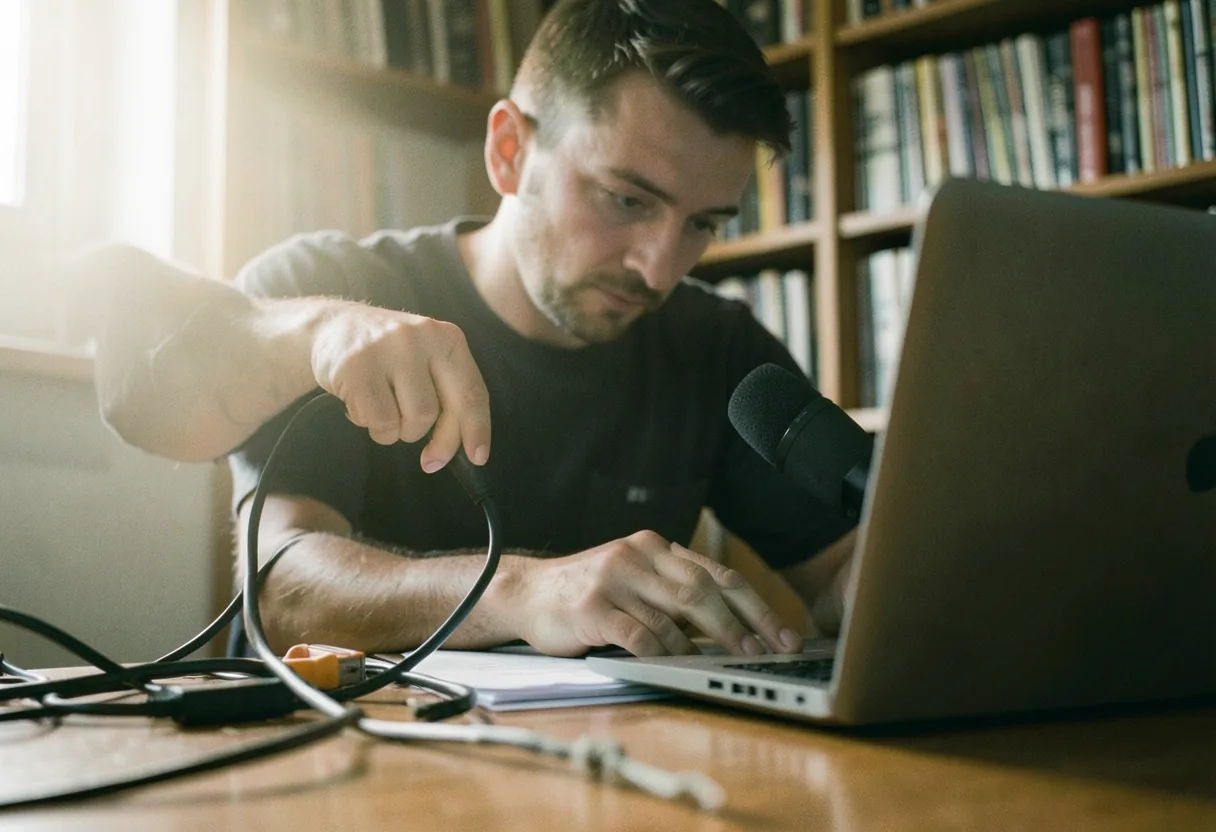
02USB Microphones for Podcasting
USB microphones for podcasting are ideal for beginners or those who need a simple, portable solution. They eliminate the need for additional equipment like an audio interface, making them incredibly user-friendly. The first time I really looked at a USB microphone, I was struck by how compact and straightforward the setup was, just plug it into your computer and start recording.
The primary drawback of USB microphones is their limited sound quality and flexibility. While they are excellent for basic podcasting, they may not offer the same level of audio control and clarity as XLR microphones. For instance, the [Blue Yeti](https://en.wikipedia.org/wiki/Blue_Microphones) is a popular choice, offering multiple polar patterns and good sound quality, but it still can’t match the depth and control of an XLR setup.
03XLR Microphones for Podcasting
XLR microphones for podcasting are the go-to choice for professionals who demand superior sound quality and flexibility. They require an audio interface, which can be seen as a drawback for beginners, but the investment pays off in terms of audio performance and control. The [Shure SM7B](https://en.wikipedia.org/wiki/Shure_Microphones), for example, is a favorite among podcasters for its rich, broadcast-quality sound.
The main disadvantage of XLR microphones is the additional cost and complexity of setting them up. You’ll need an audio interface, cables, and possibly a mixer, which can be a barrier for those just starting out. However, the ability to fine-tune your audio with phantom power and high-quality preamps makes XLR microphones indispensable for serious podcasters.
04How to Choose Between USB and XLR Microphones
- Budget: USB microphones are generally more affordable, making them ideal for those on a tight budget. XLR microphones require a larger initial investment due to the need for additional equipment.
- Sound Quality: If sound quality is your top priority, XLR microphones are the way to go. They offer superior audio performance and more control over your recording.
- Portability: USB microphones are highly portable, making them perfect for podcasters who need to record on the go. XLR microphones are less portable due to the additional gear required.
- Flexibility: XLR microphones offer more flexibility, allowing you to connect various microphones and instruments to your setup. USB microphones are limited to their built-in settings.
Comparison of Popular USB and XLR Microphones
05Finding the Right Music Gear
When it comes to finding the right music gear, there are several options to consider. Instruments stores like [Sweetwater](https://en.wikipedia.org/wiki/Sweetwater_Sound) offer a wide range of musical instruments and gear, both new and used. Sweetwater Music Store locations are scattered across the country, providing easy access to their extensive inventory. Additionally, their online music store offers a convenient way to browse and purchase gear from the comfort of your home.
For those looking for used musical instruments, Sweetwater’s Gear Exchange is a great resource. You can find a variety of used instruments and equipment at competitive prices. Logging in to the [Sweetwater gear exchange](https://en.wikipedia.org/wiki/Sweetwater_Sound) is straightforward, and you can easily browse through their selection of pre-owned gear.
06Essential Podcasting Equipment Beyond Microphones
While choosing between USB vs XLR microphones for podcasting is crucial, there are other pieces of equipment that can enhance your podcasting setup. A good pair of studio monitor speakers can significantly improve your audio quality. Check out our guide on [how to choose studio monitor speakers](How to Choose Studio Monitor Speakers) for more information. Additionally, treating your recording space is essential for achieving professional sound quality. Our article on [how to treat a small room for recording](How to Treat a Small Room for Recording) provides valuable tips and techniques.
For those new to podcasting, selecting the right digital audio workstation (DAW) is another important decision. Our guide on the [best DAWs for beginners on Mac and PC](Best DAWs for Beginners on Mac and PC) can help you find the perfect software for your needs.
Don’t forget to consider the overall look and feel of your podcasting setup. A well-organized and visually appealing space can enhance your creativity and productivity. Check out our article on [how to mic an acoustic guitar for studio](How to Mic an Acoustic Guitar for Studio) recording for inspiration on creating a professional studio environment.
For a comprehensive list of podcasting equipment, visit our guide on the [best audio interfaces for home recording](Best Audio Interfaces for Home Recording). This resource covers everything from microphones to audio interfaces, helping you build the perfect podcasting setup.
Takeaway: The choice between USB vs XLR microphones for podcasting ultimately depends on your specific needs and preferences. USB microphones offer simplicity and portability, while XLR microphones provide superior sound quality and flexibility. Consider your budget, sound quality requirements, and portability needs when making your decision. And remember, investing in the right equipment can make a significant difference in the quality of your podcast.
07Frequently asked questions
Which is better for podcasting, USB or XLR microphones?
USB mics like the Blue Yeti offer plug-and-play convenience, ideal for beginners. XLR mics such as the Shure SM7B provide superior sound quality but need an audio interface. Your choice depends on budget, technical skill, and desired audio fidelity.
Can I use a USB microphone with professional audio software?
Yes, USB mics work with software like Audacity or Adobe Audition. However, they may lack advanced features available to XLR mics. For example, the Focusrite Scarlett 2i2 interface adds preamps and phantom power, enhancing XLR mic performance.
What are the main disadvantages of XLR microphones?
XLR mics require additional gear like cables, interfaces, and possibly mixers. They’re more expensive upfront. For instance, the Audio-Technica AT2020 XLR mic needs an interface like the Behringer U-Phoria UM2 to connect to a computer.
Do USB microphones limit my upgrade options later?
USB mics are convenient but may limit future upgrades. Switching to XLR later means buying new gear. A USB mic like the Rode PodMic offers podcast-quality sound, but upgrading to XLR could involve costs like the $160 Behringer XM8500 dynamic mic and a $100 interface.